Utilities
Metronome
Set BPM and beats per measure, or tap in a tempo.
- Guitar
- Ukulele
- Banjo
- Bass




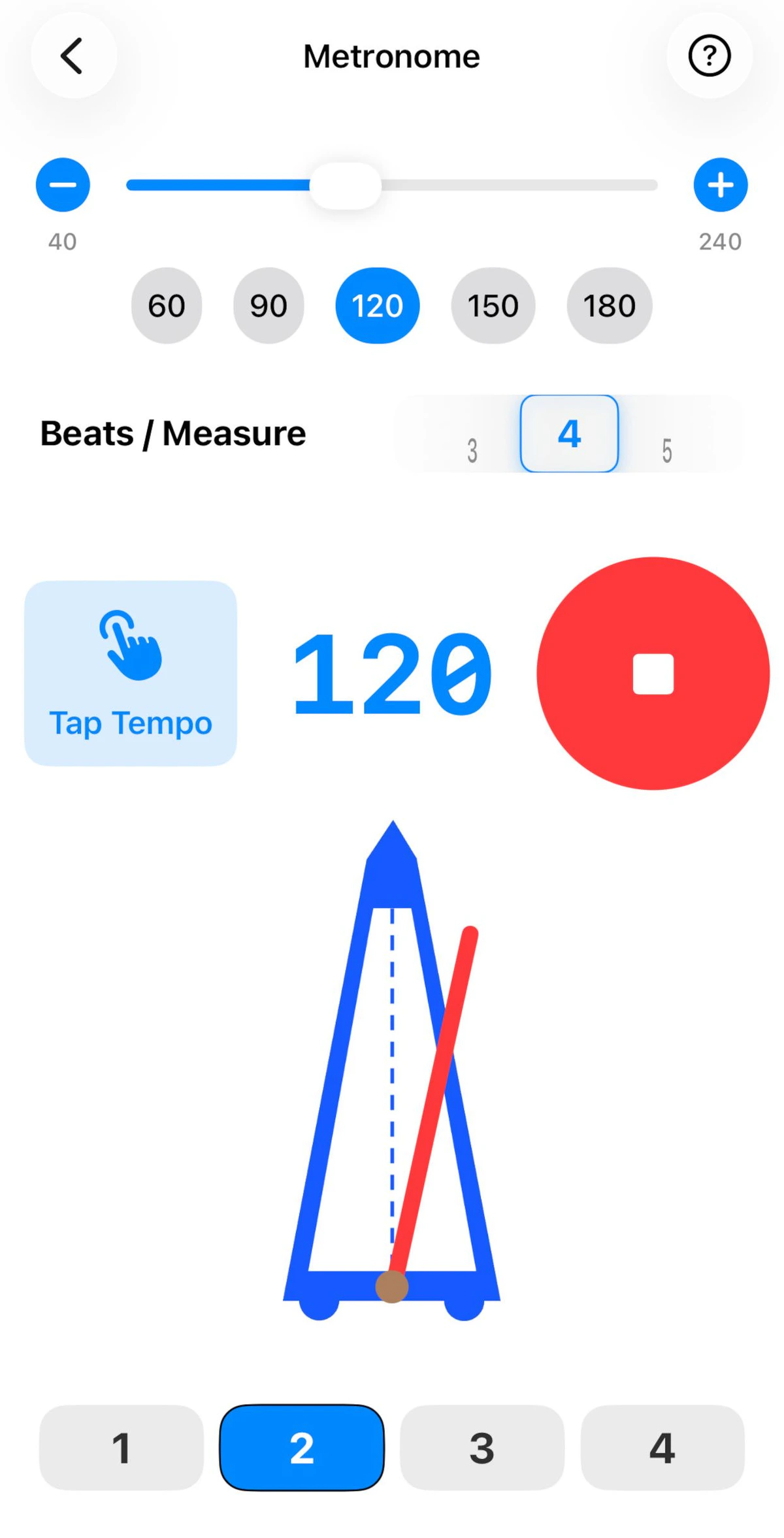
A simple, dependable metronome that works offline.
Setting the tempo
- Set the BPM directly (40–240 BPM) with the slider and the – / + buttons, or jump to a preset: 60, 90, 120, 150 or 180.
- Or tap along with a song and GTK matches its tempo.
- Choose the beats per measure.
The numbered beats along the bottom light up as the metronome plays, so you can see where you are in the measure. The first beat of every measure is accented automatically, which makes it easy to tell, say, a 3/4 pattern from a 4/4 one.
You can change the click sound in Settings – choose Woodblock, Click, Cowbell or Bell.
Practising with a metronome
- Start slower than you think – play it perfectly, then add 5 BPM.
- Try hearing the click as beats 2 and 4, like a drummer’s backbeat.
- Use it alongside Note Practice to build speed steadily.