Theory
Triad Sharing
Build a progression and see each chord's triad tones on one fretboard, colour-coded per chord, with shared frets as pie-slice dots.
- Guitar
- Ukulele
- Banjo
- Bass



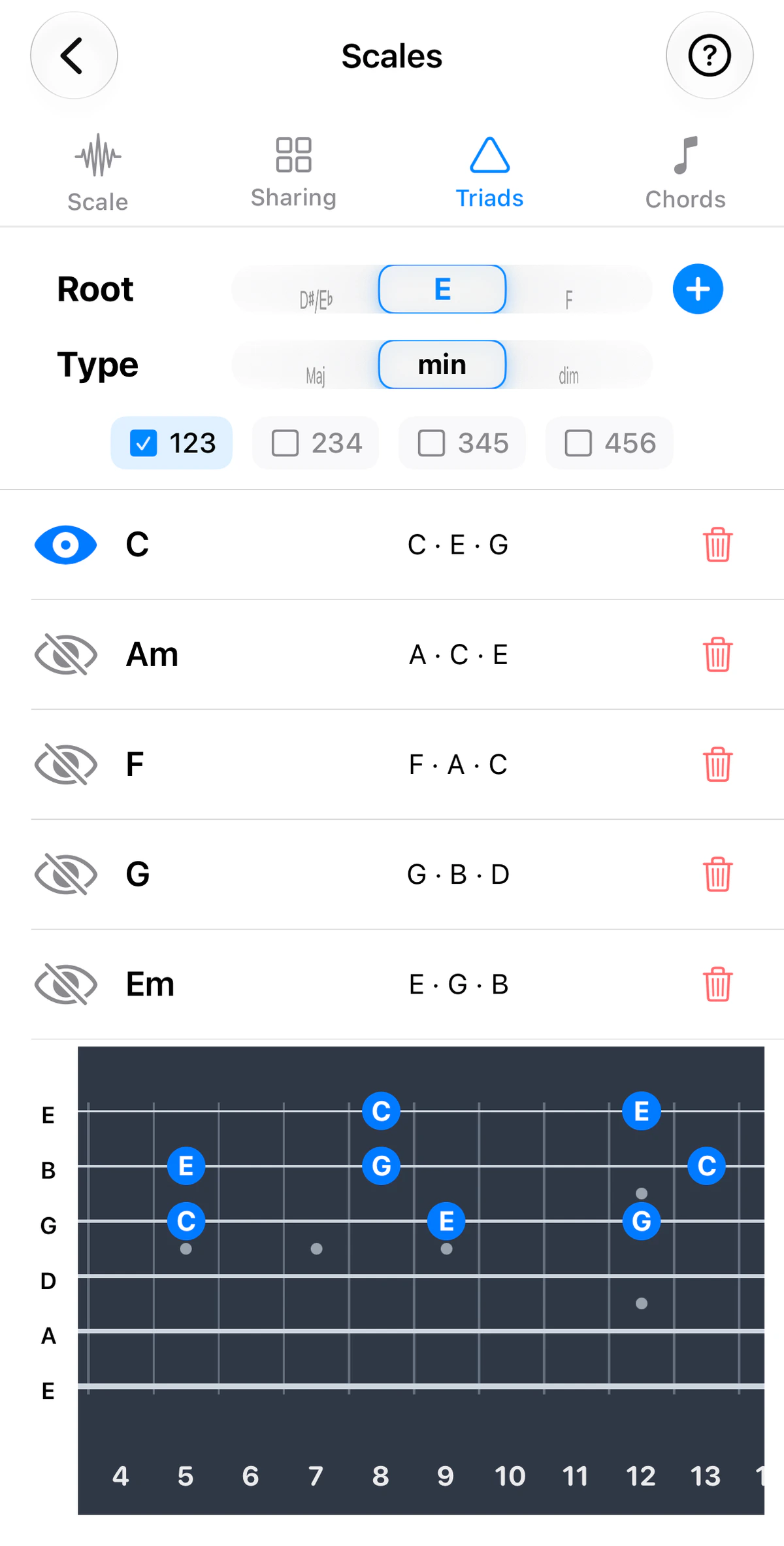
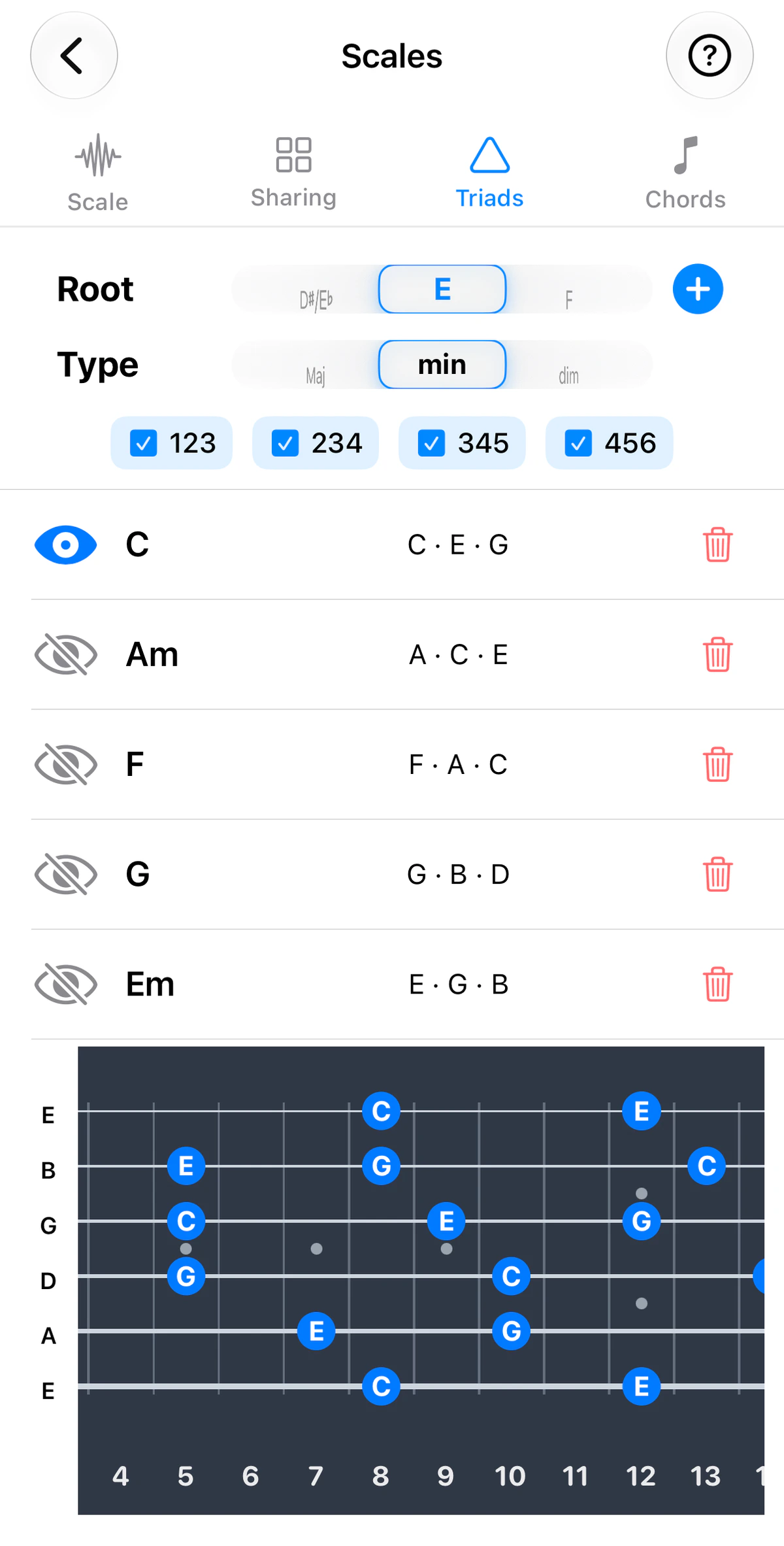
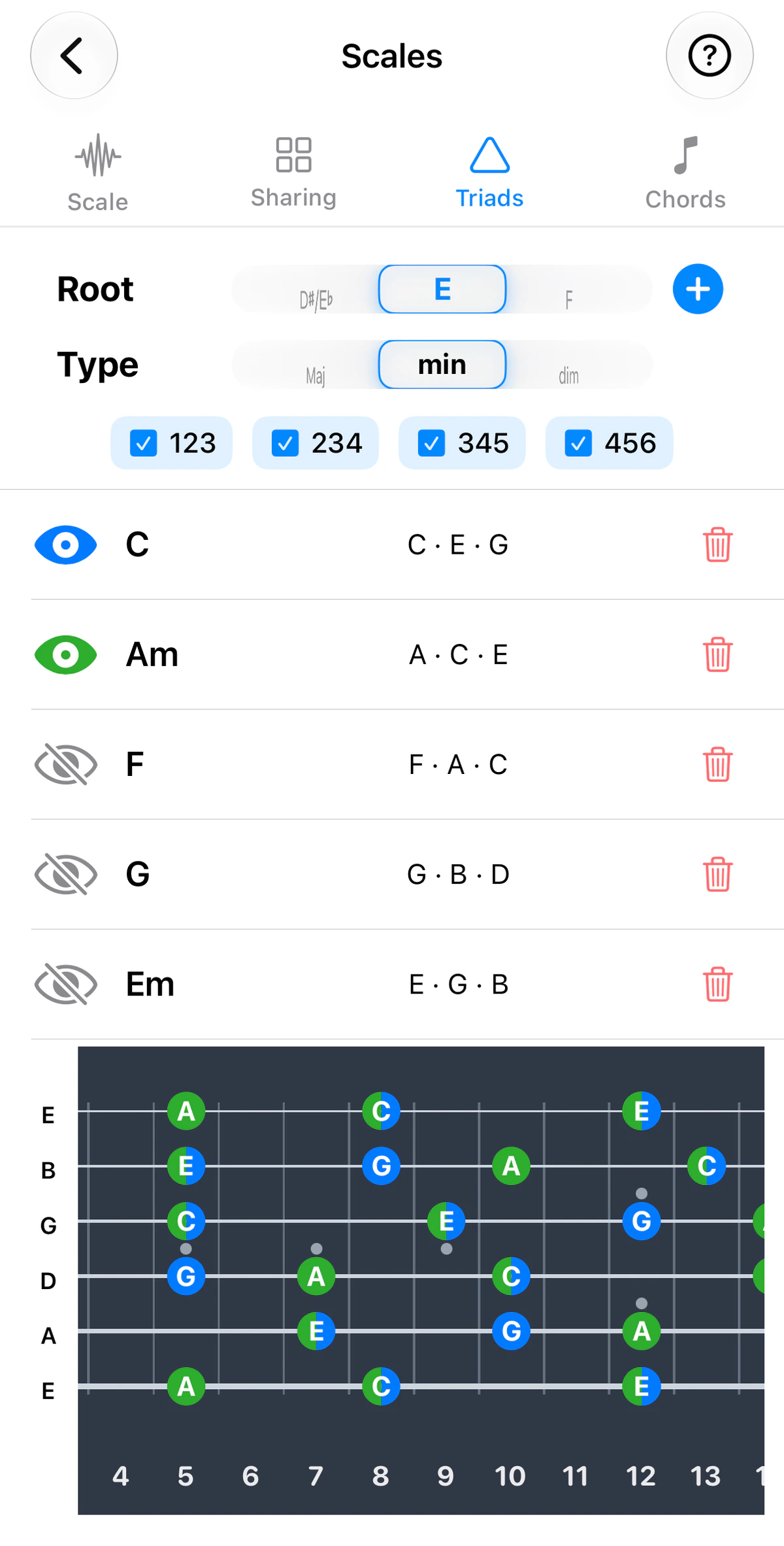
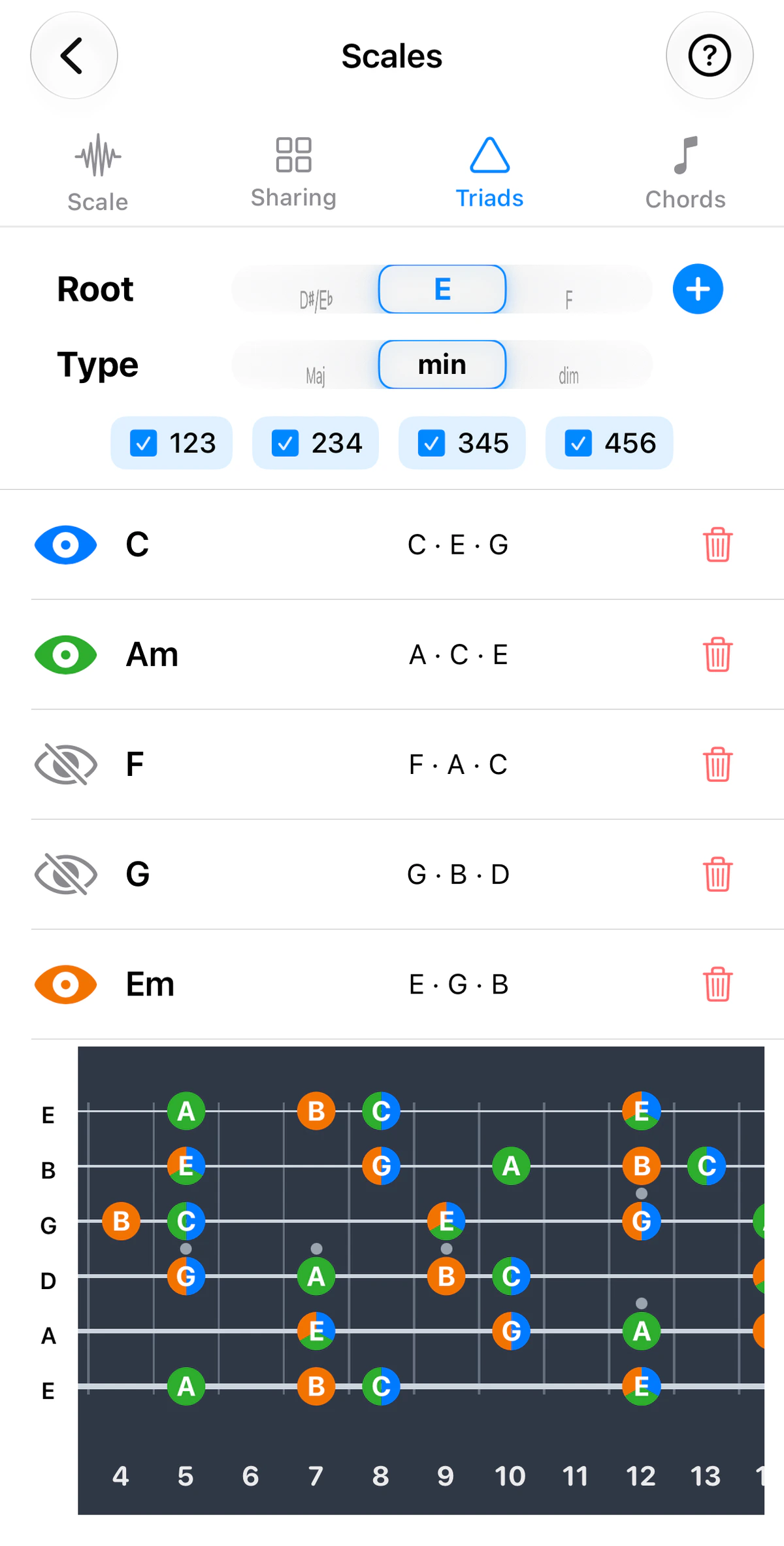
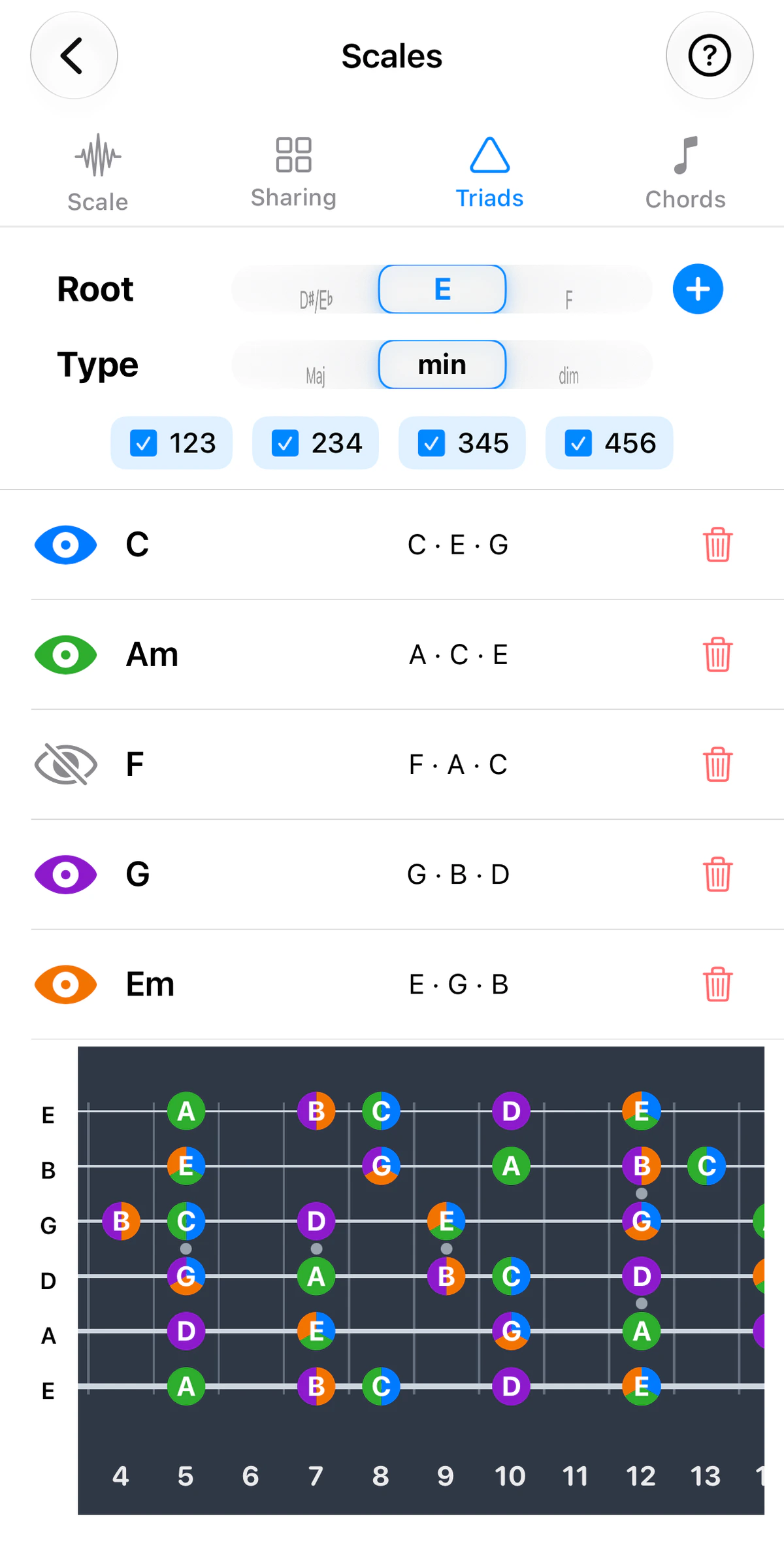
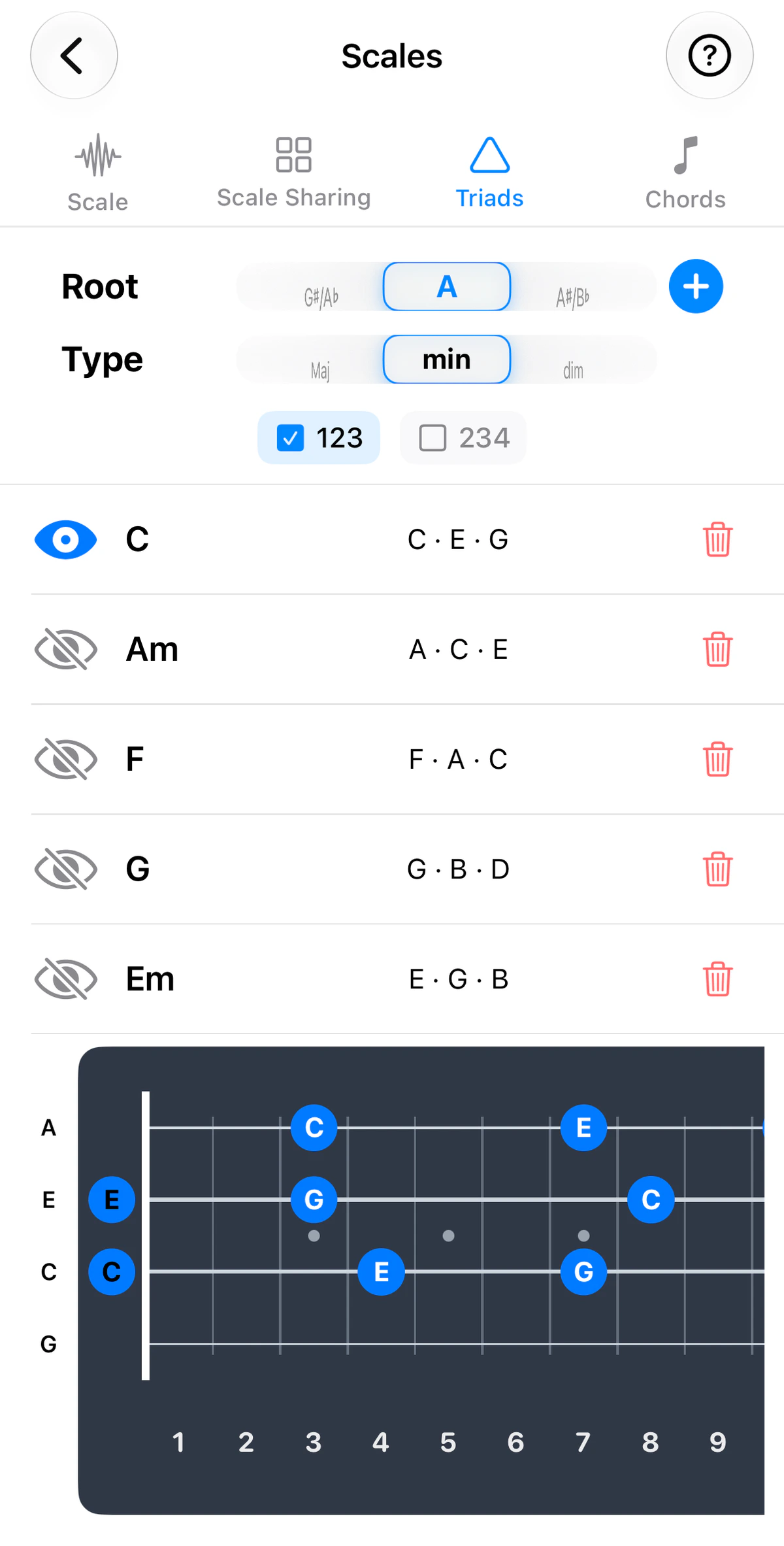
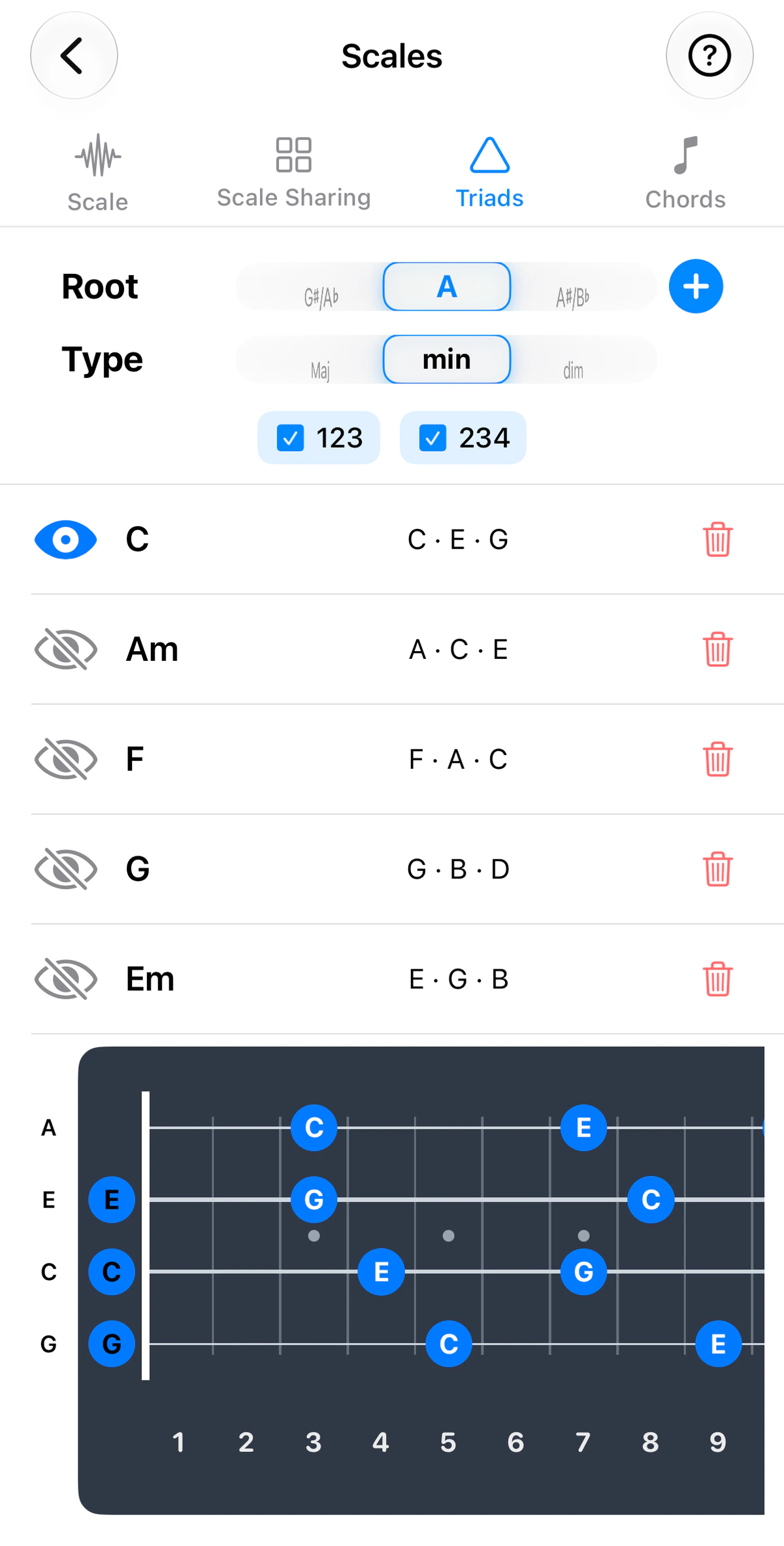
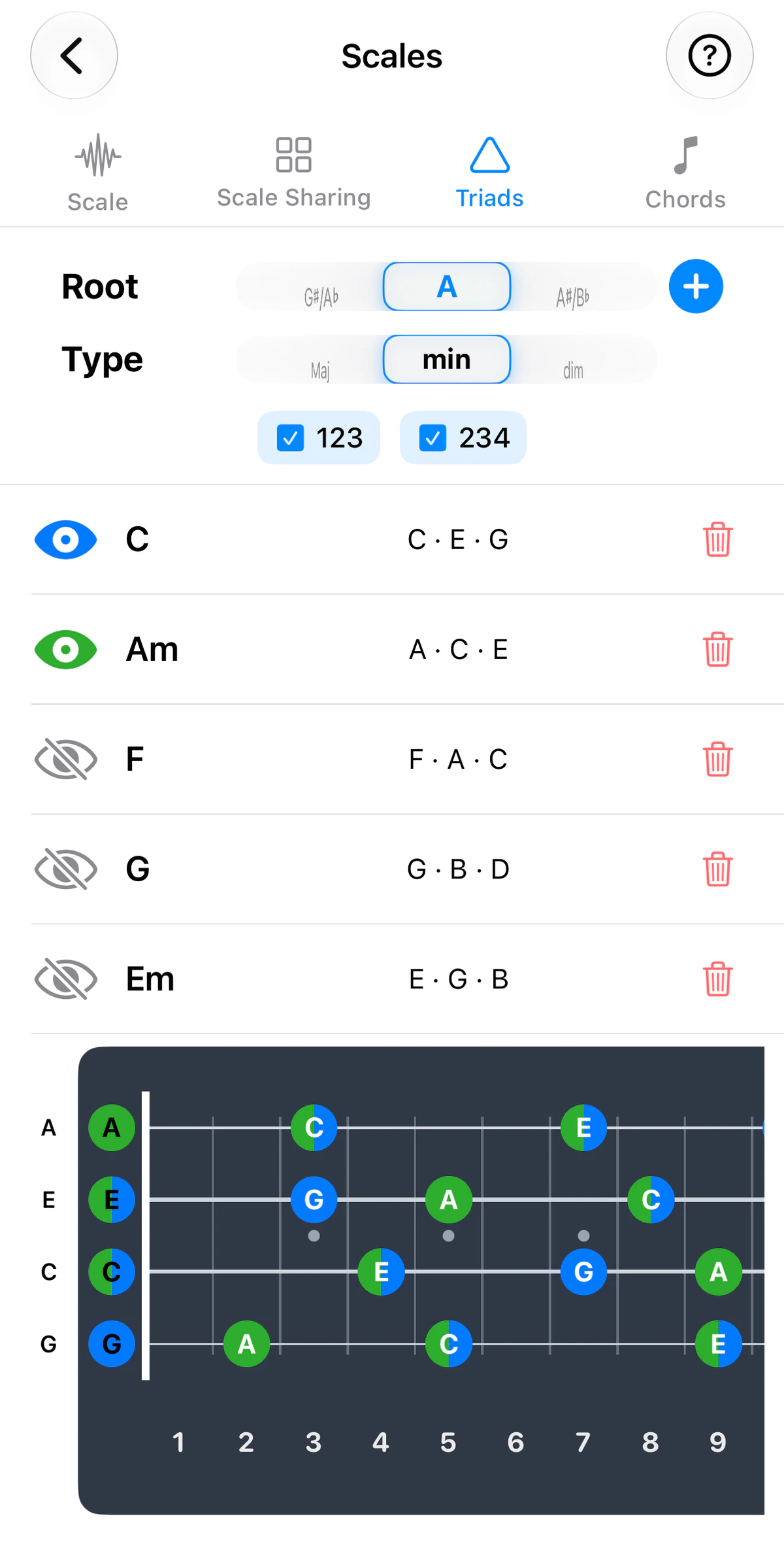
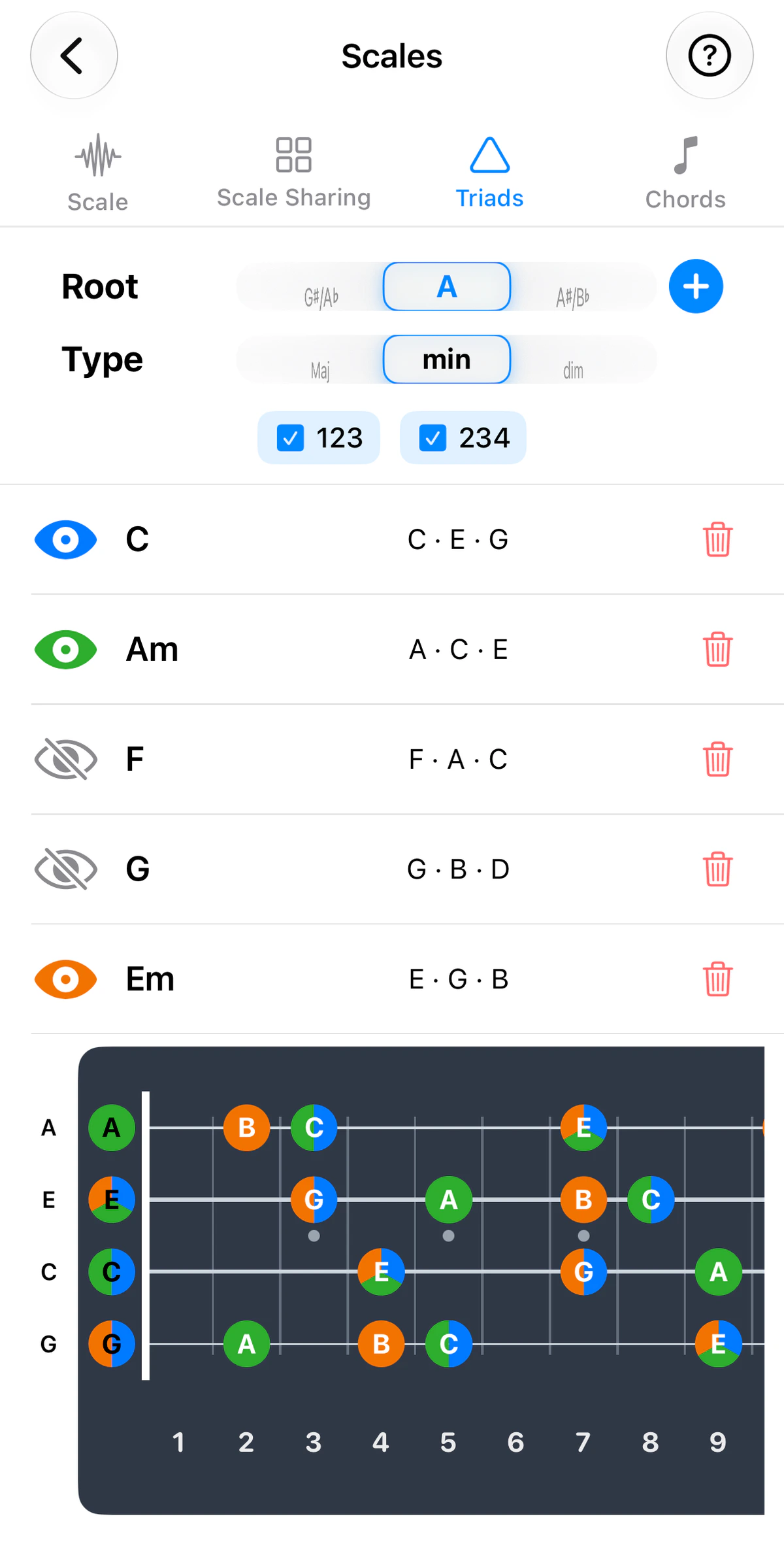
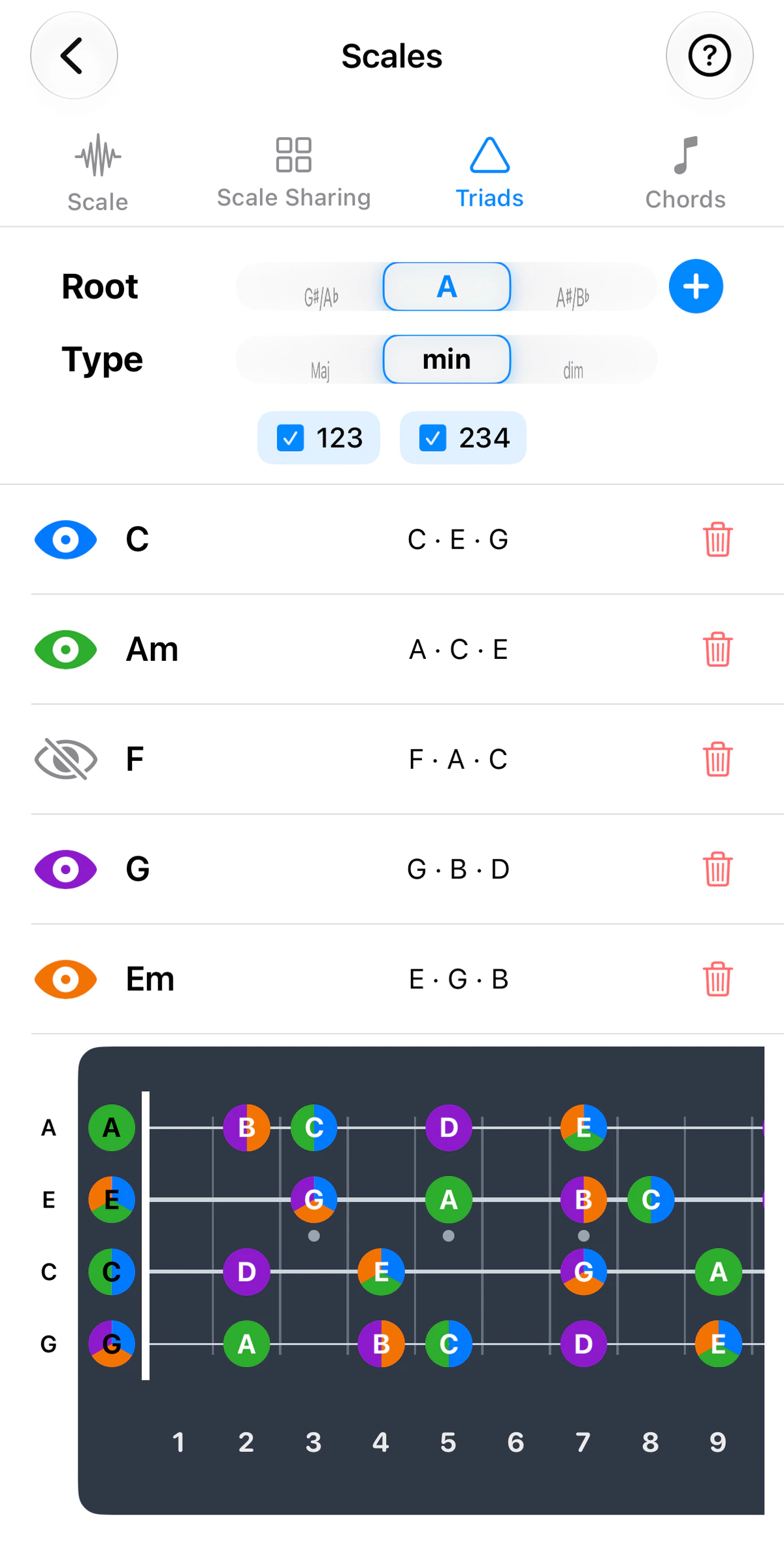
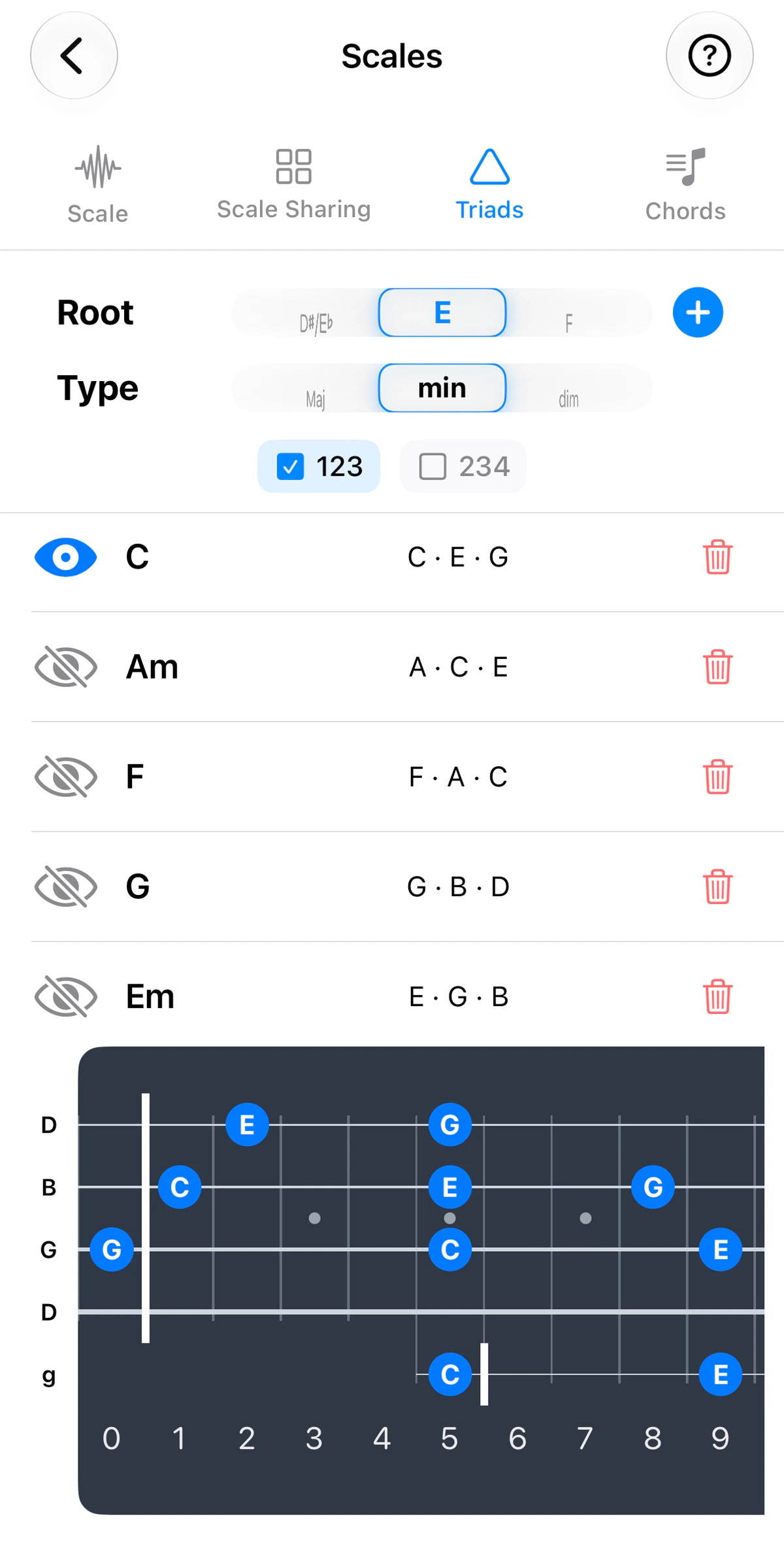
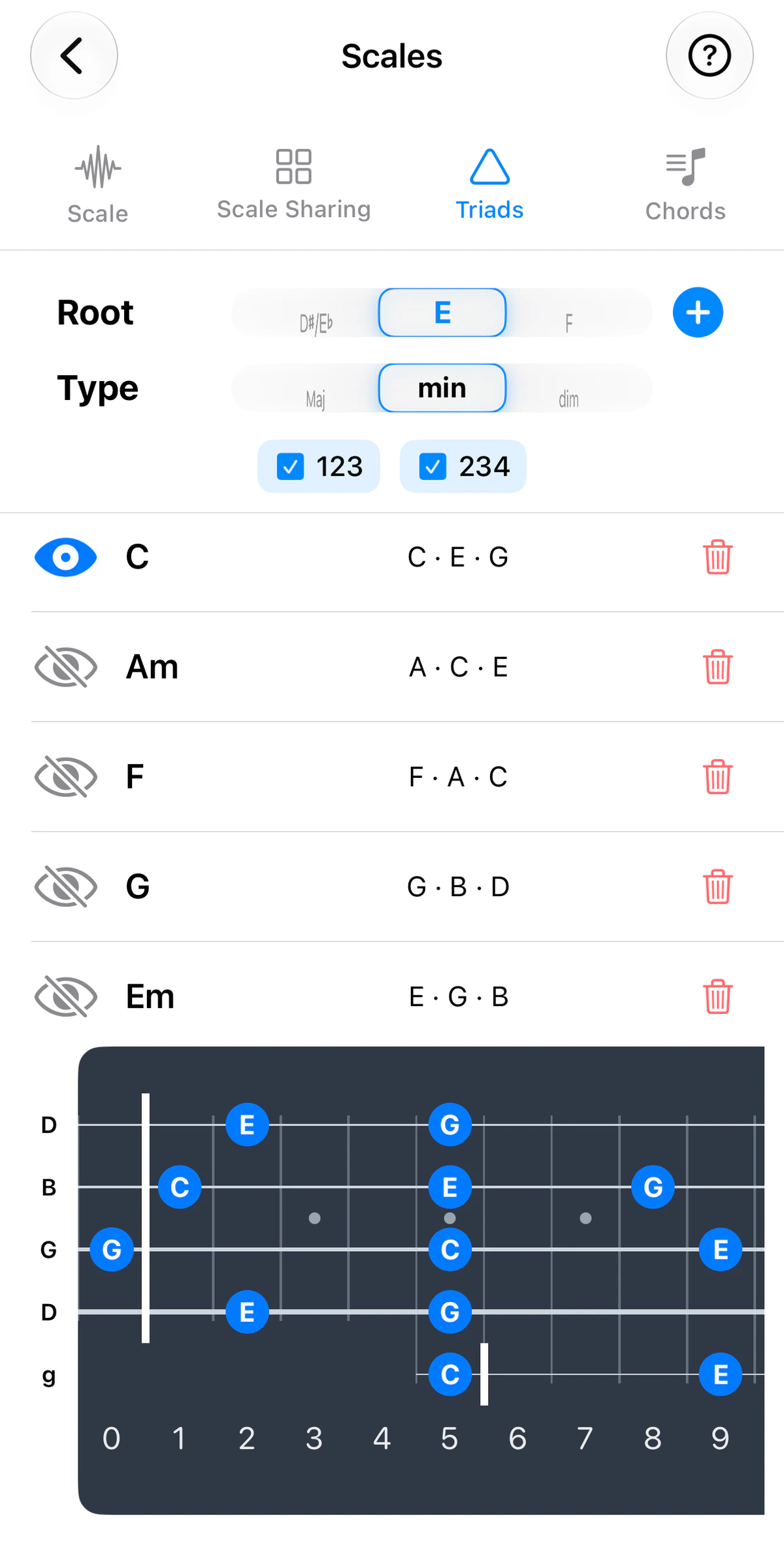
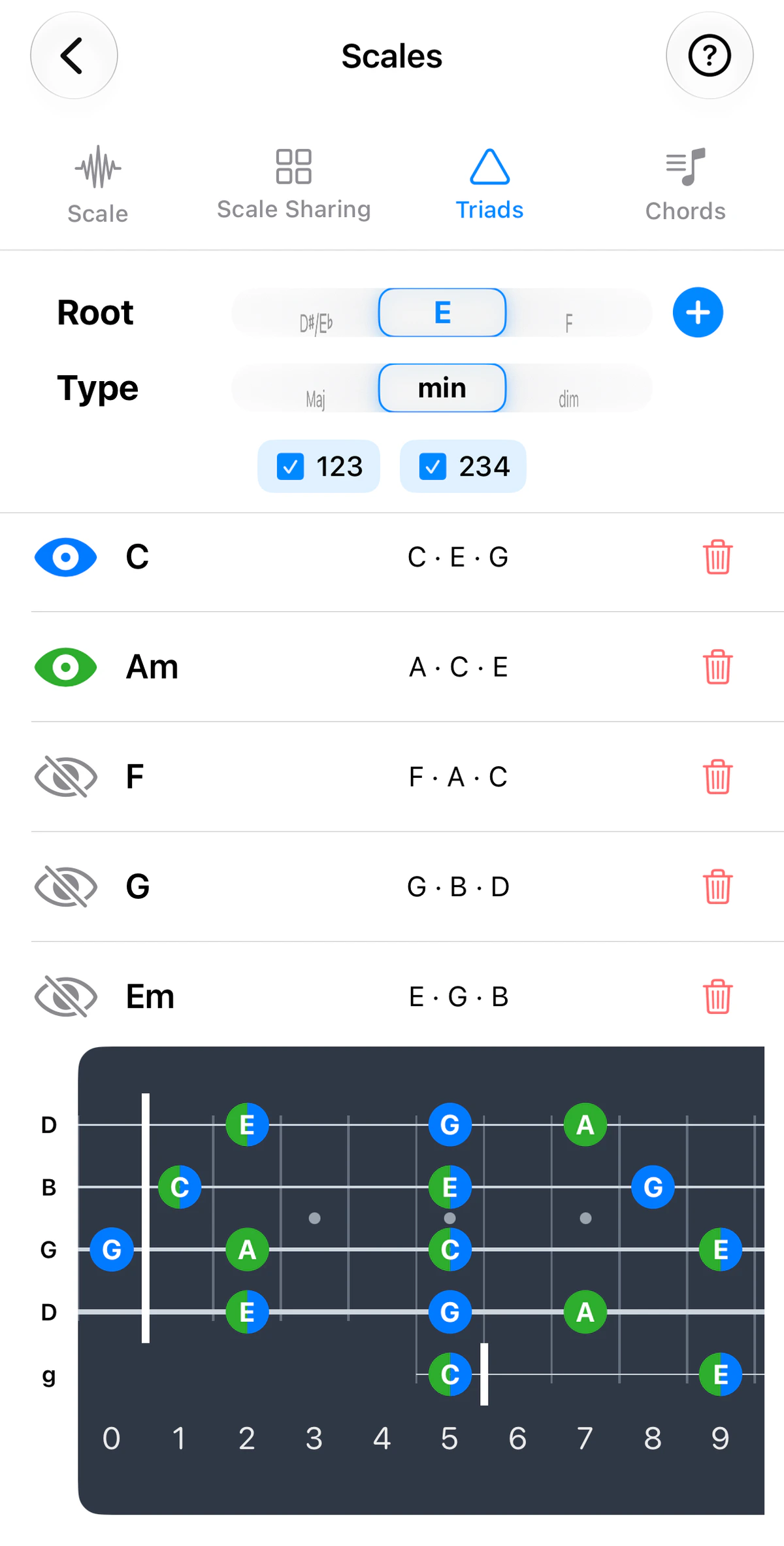
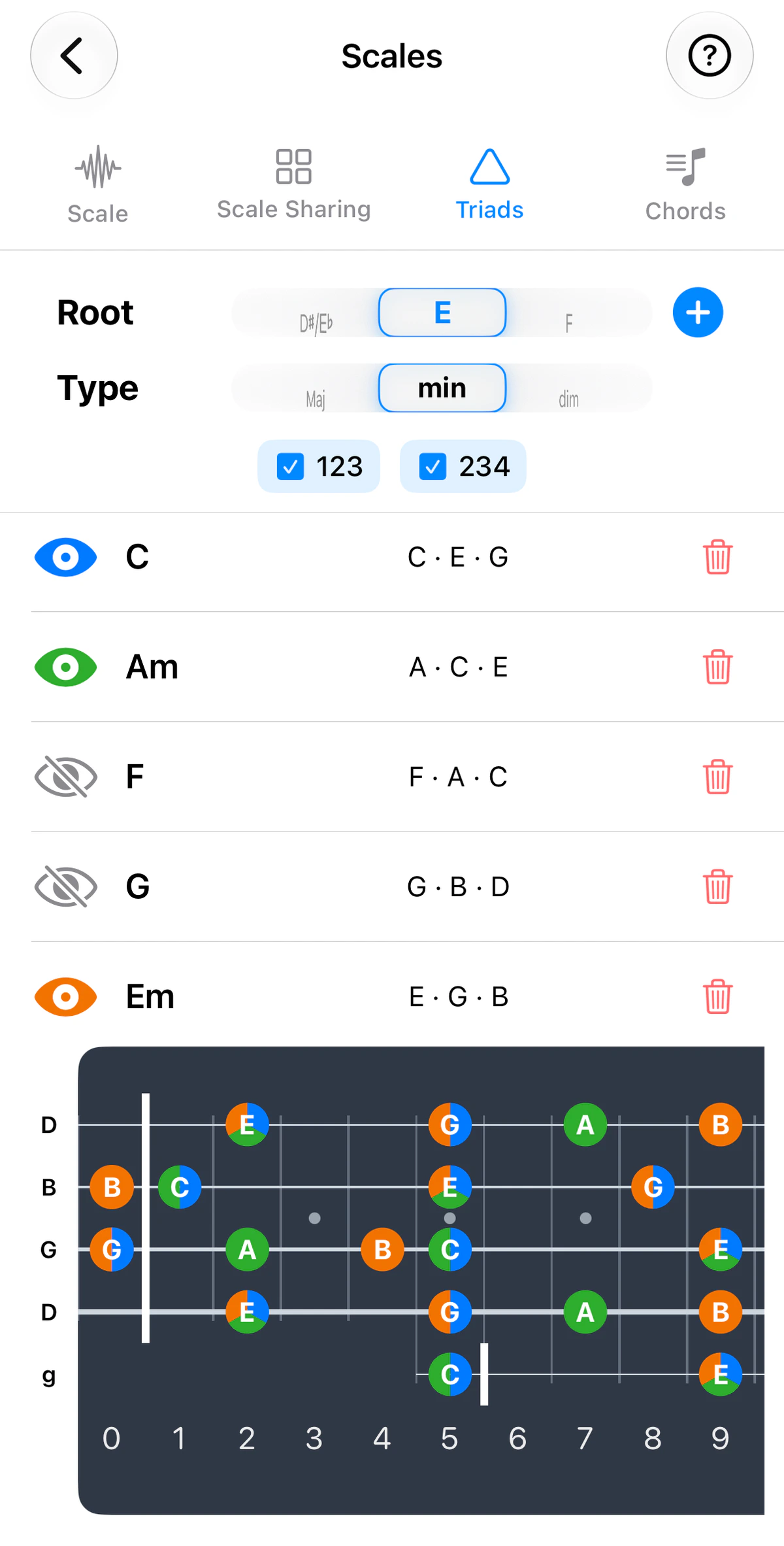
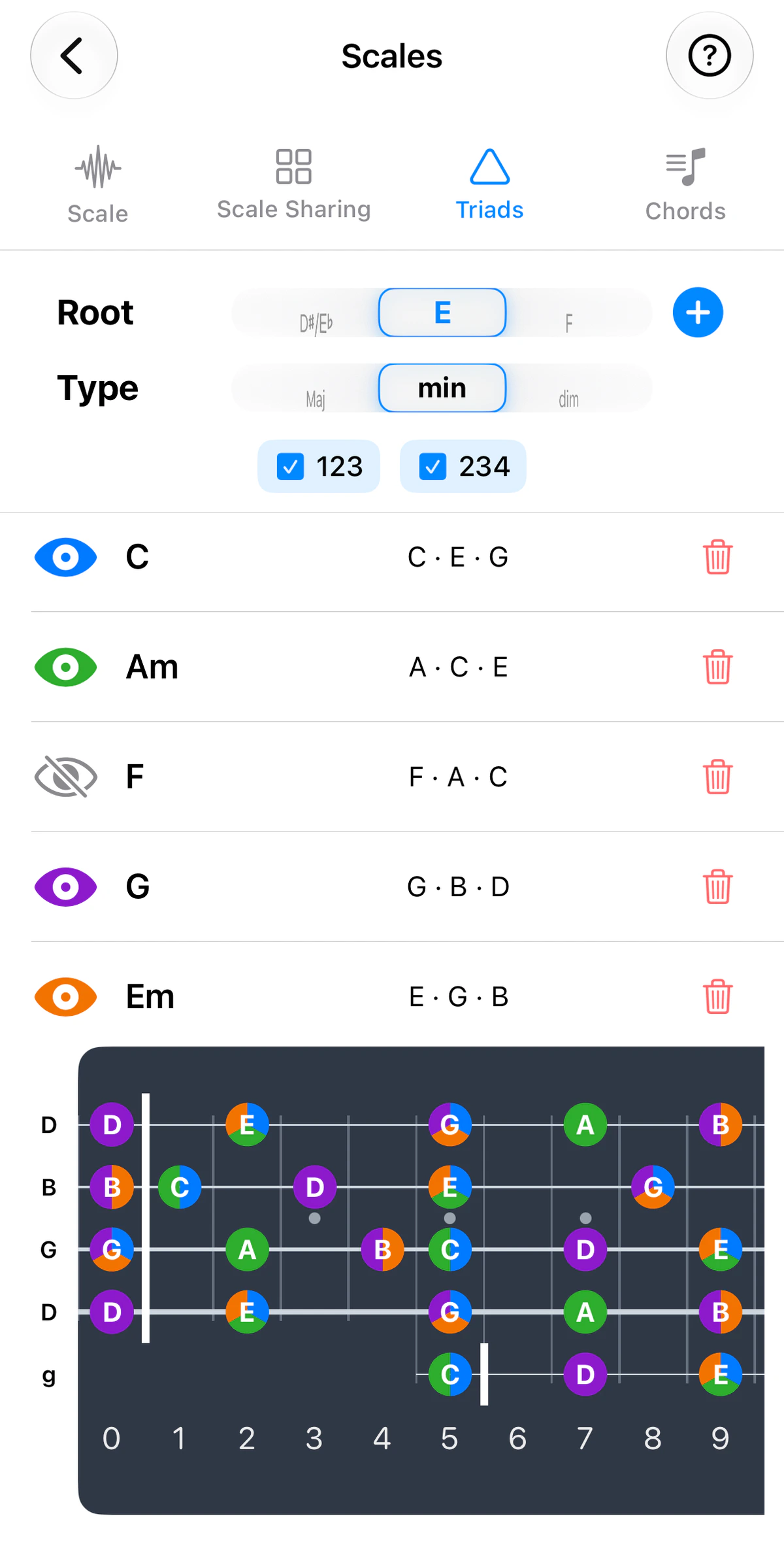
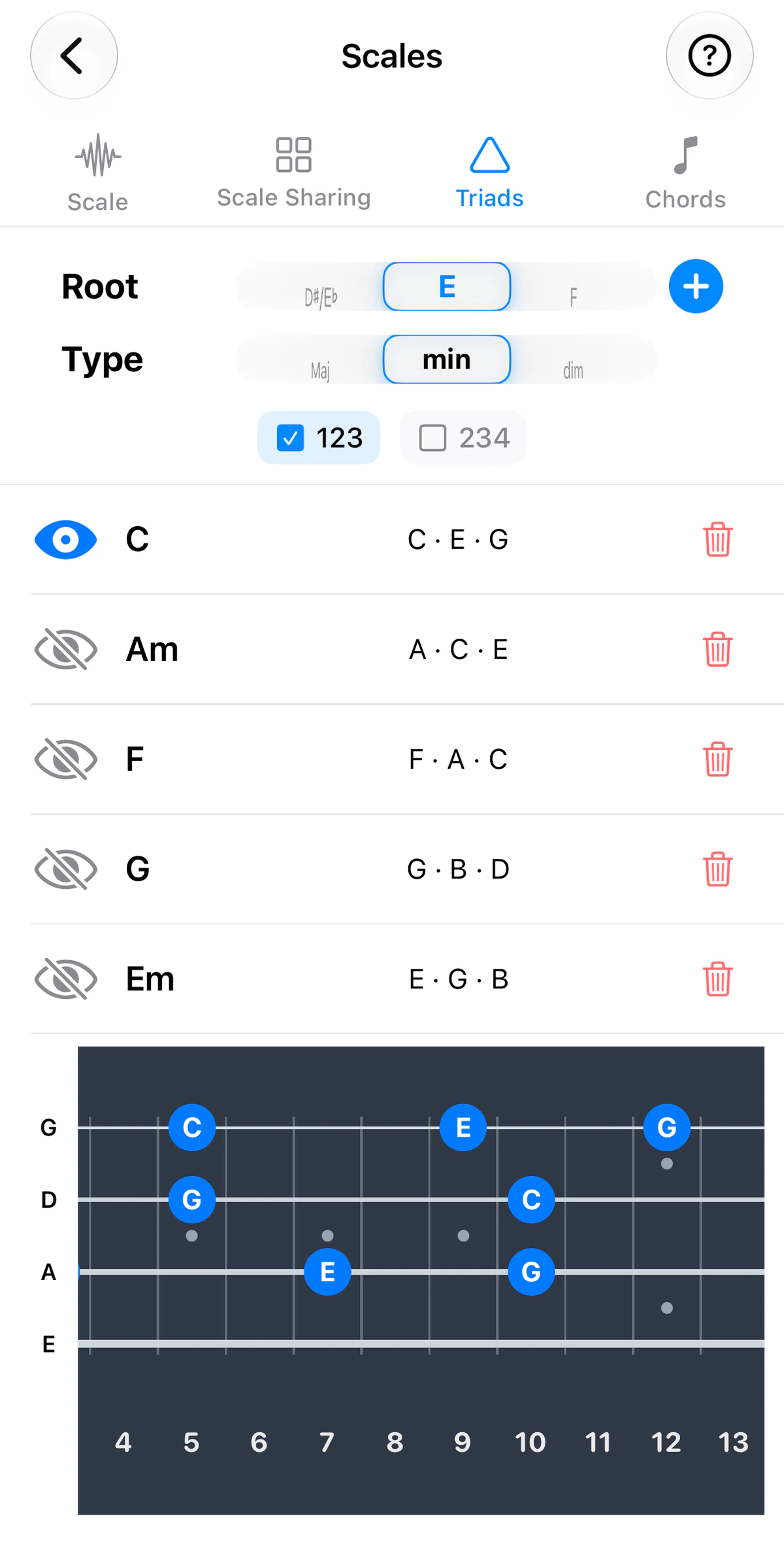
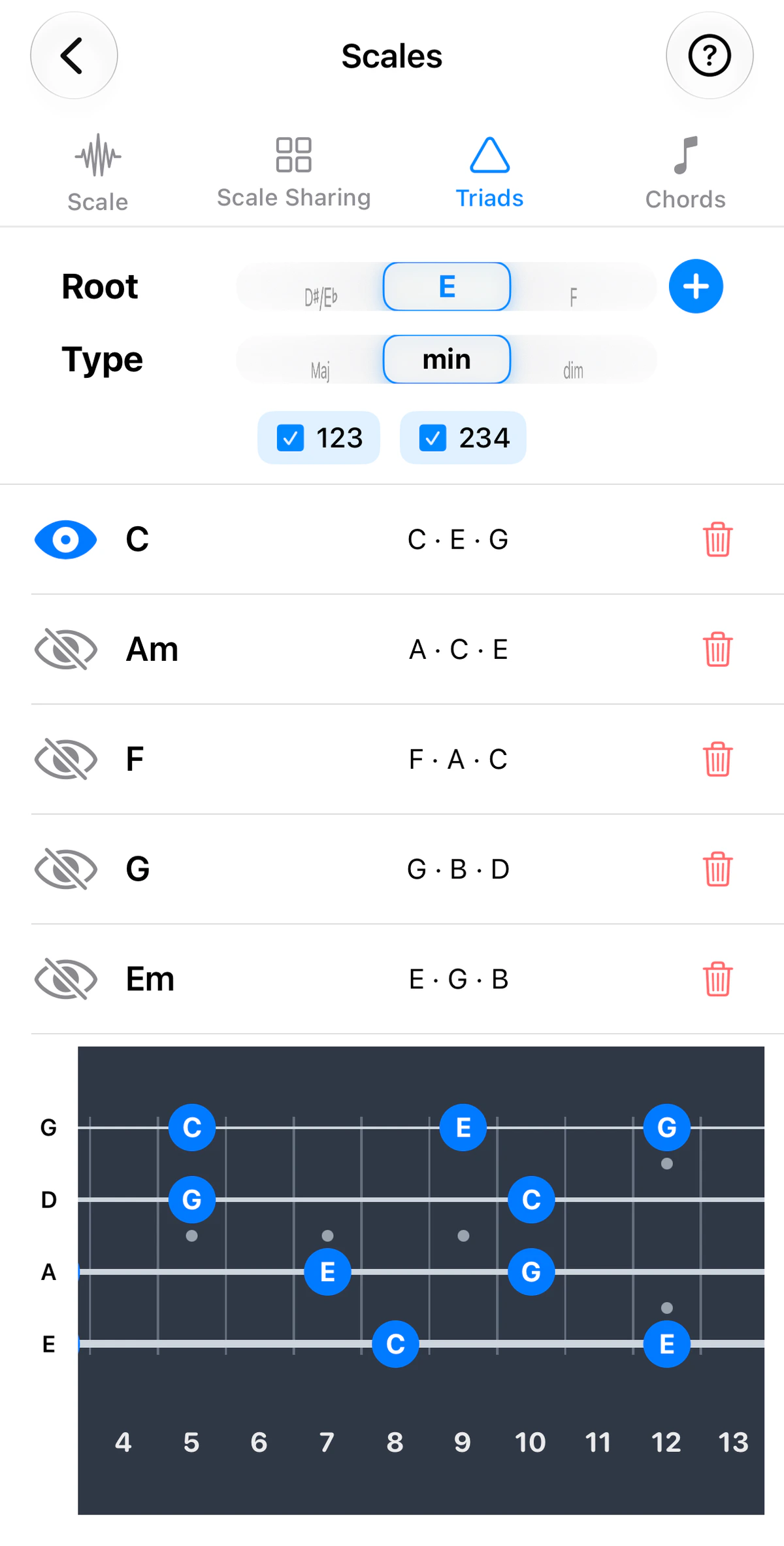
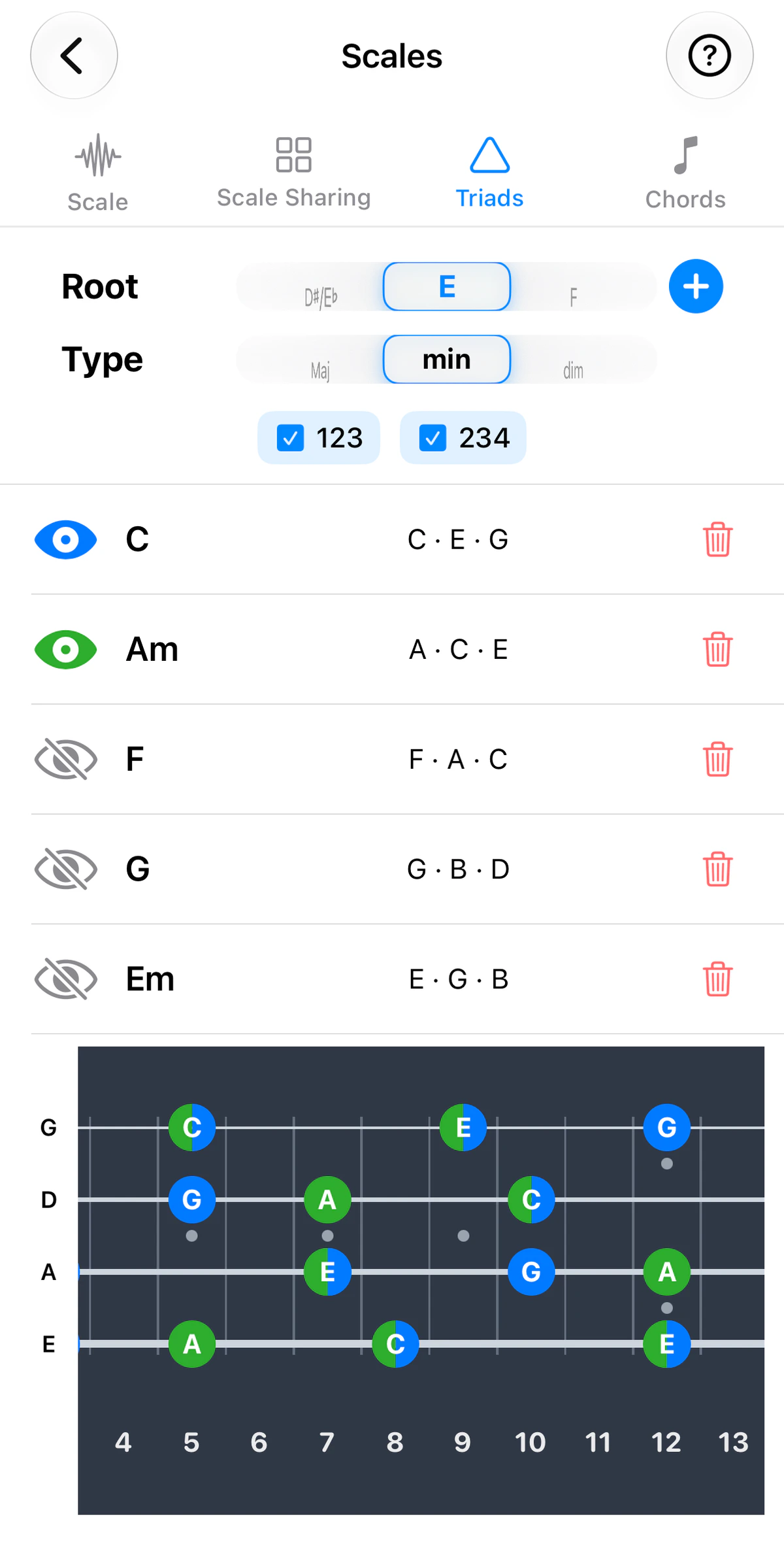
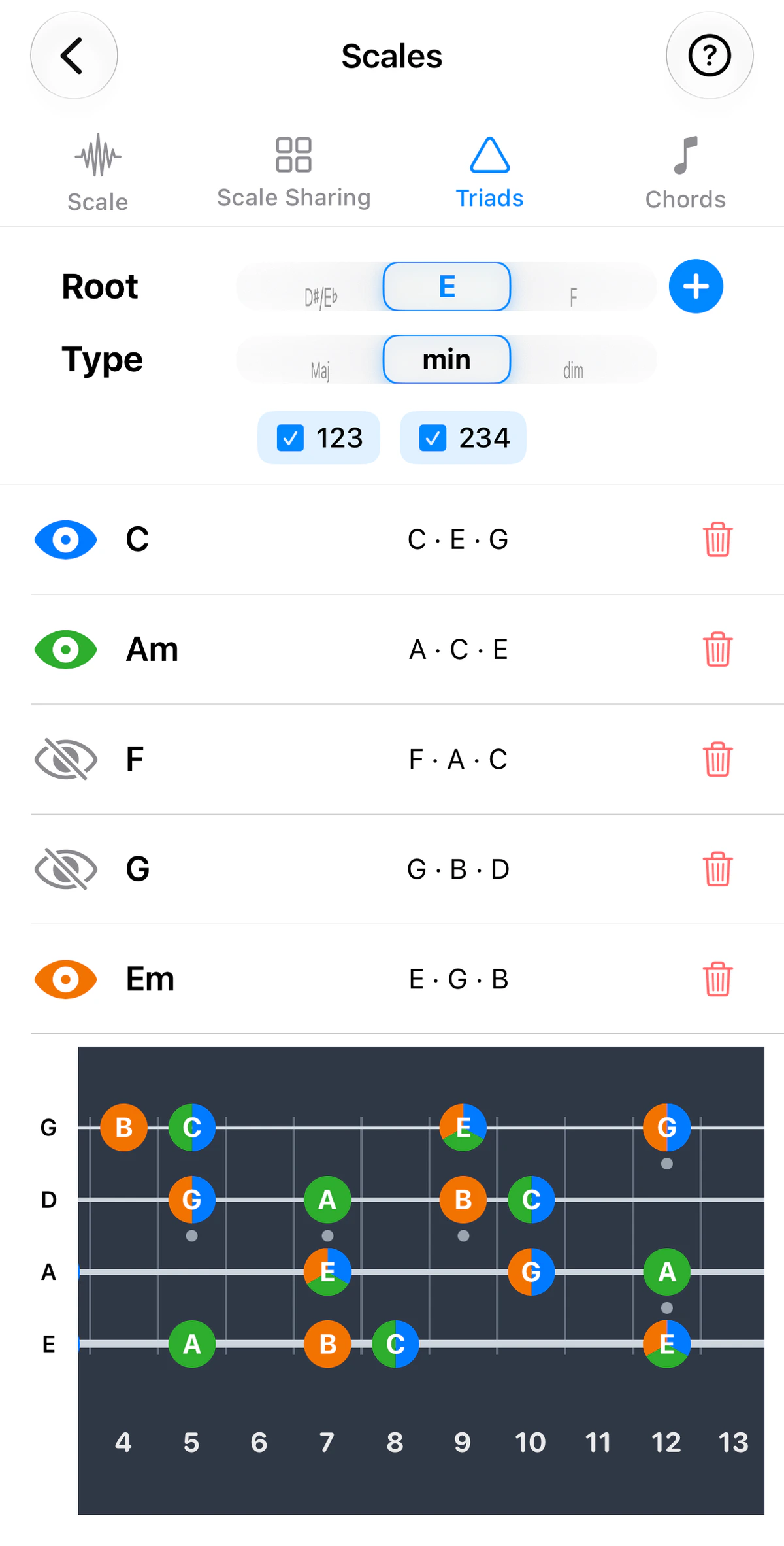
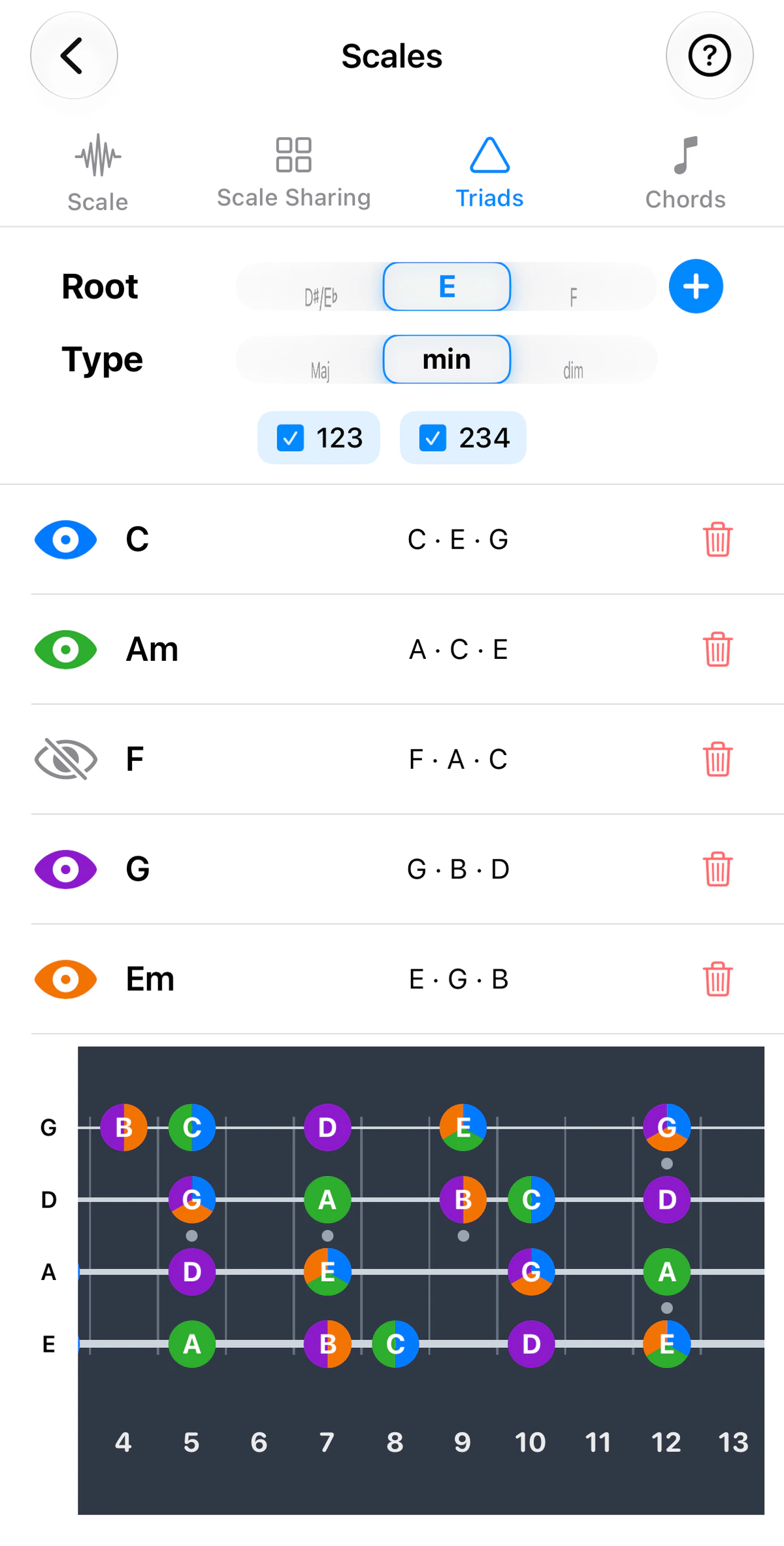
Triad Sharing is the Triads tab of Scales. It does for triads what Scale Sharing does for scales: it shows where chords overlap on the neck.
Use the instrument tabs above the screenshots to see it on guitar, ukulele, banjo or bass; the strings and tuning follow the instrument.
How it works
Build a progression and see each chord’s triad tones across the fretboard, colour-coded per chord. Where two or more chords share a fret, the dot is split into pie slices, one per chord.
String sets
Under the Root and Type pickers are checkboxes such as 123 and 234. Each is a string set, three adjacent strings, numbered from string 1 (the highest-pitched). On guitar there are four sets (123, 234, 345 and 456); on ukulele, banjo and bass the app offers two, 123 and 234. With every box ticked, the triad tones are shown across the whole neck.
Tick only the set you want and the fretboard shows the triad tones on just those three strings, which is how a triad is usually played.
Learning a chord on one string set
Ticking one string set turns the fretboard into a map of a single chord’s triad on those three strings:
- Tick one string set, say 234, and show one chord at a time, using the eye to hide the others.
- Find that chord’s triad tones along the three strings. They repeat up the neck, so the same chord can be played in several places within a few frets of each other.
- Learn where they sit until you can find them without looking.
- Switch on the next chord in the progression. Where the two chords share a fret, the dot is split into pie slices, so you can see which notes stay put and which move.
Do this for each chord in a key and you have its triads on one set of strings, all within the same few frets. That’s what lets you improvise around a key: when the chord changes, you move the shortest distance to the next chord’s tones and your solo follows the harmony. Then repeat on another string set to get the same chords in a different part of the neck.
Ideas to try
- Find the overlaps – look for frets shared by neighbouring chords in a progression, so you can move between them with the least hand movement.